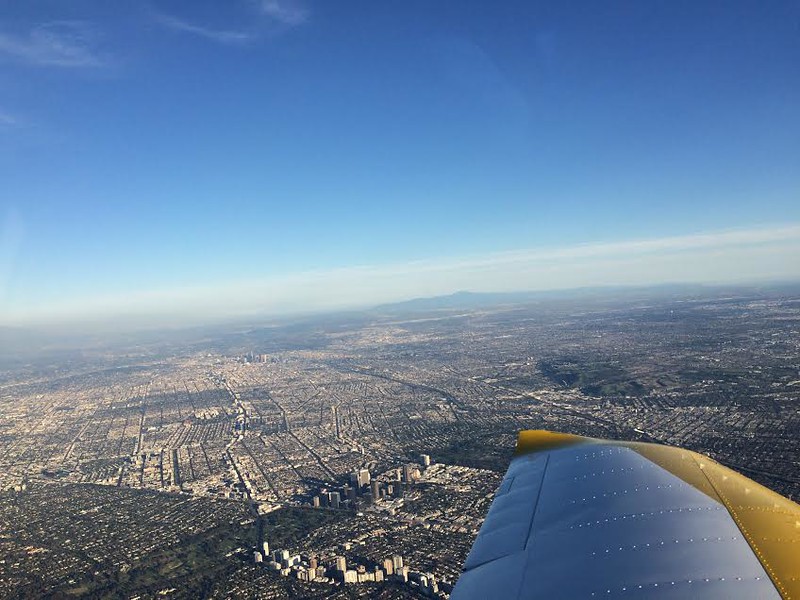
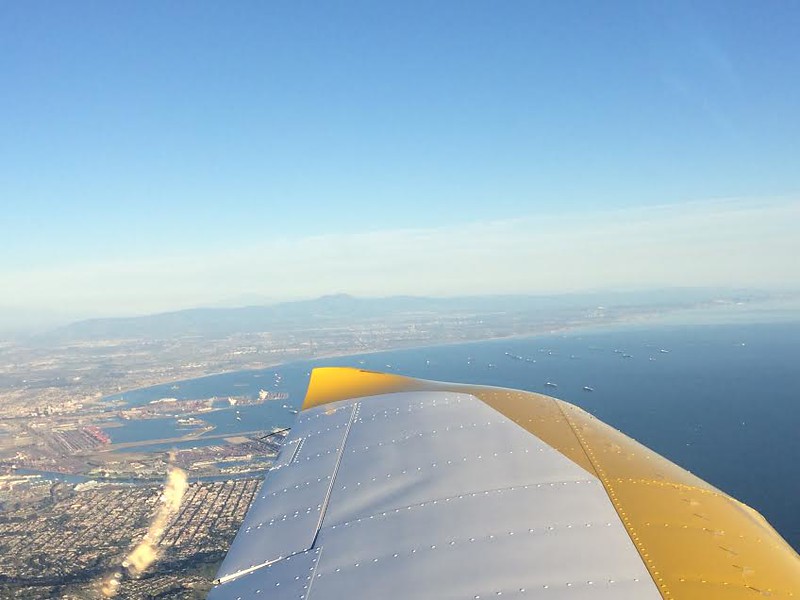
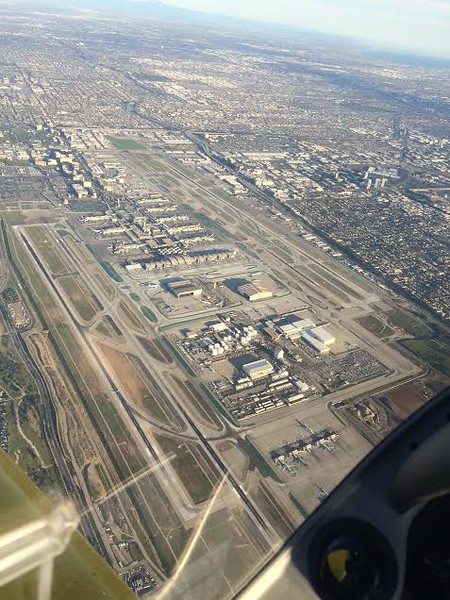
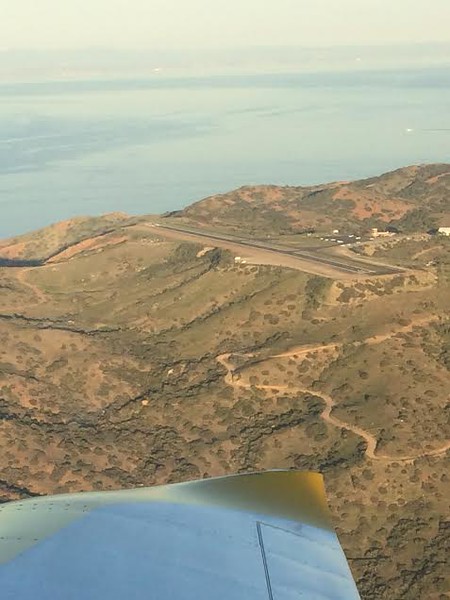
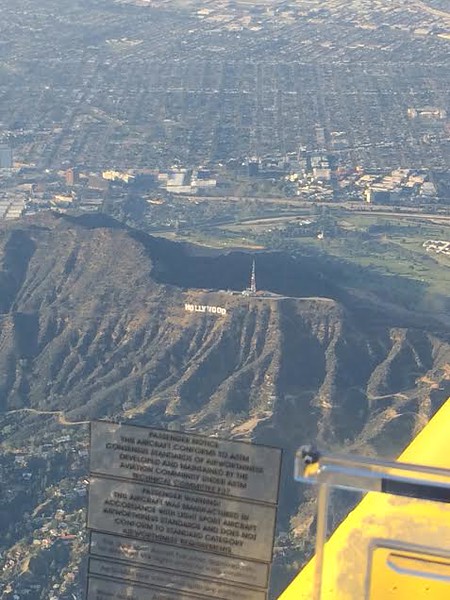
How do you guys expand the photos like that?
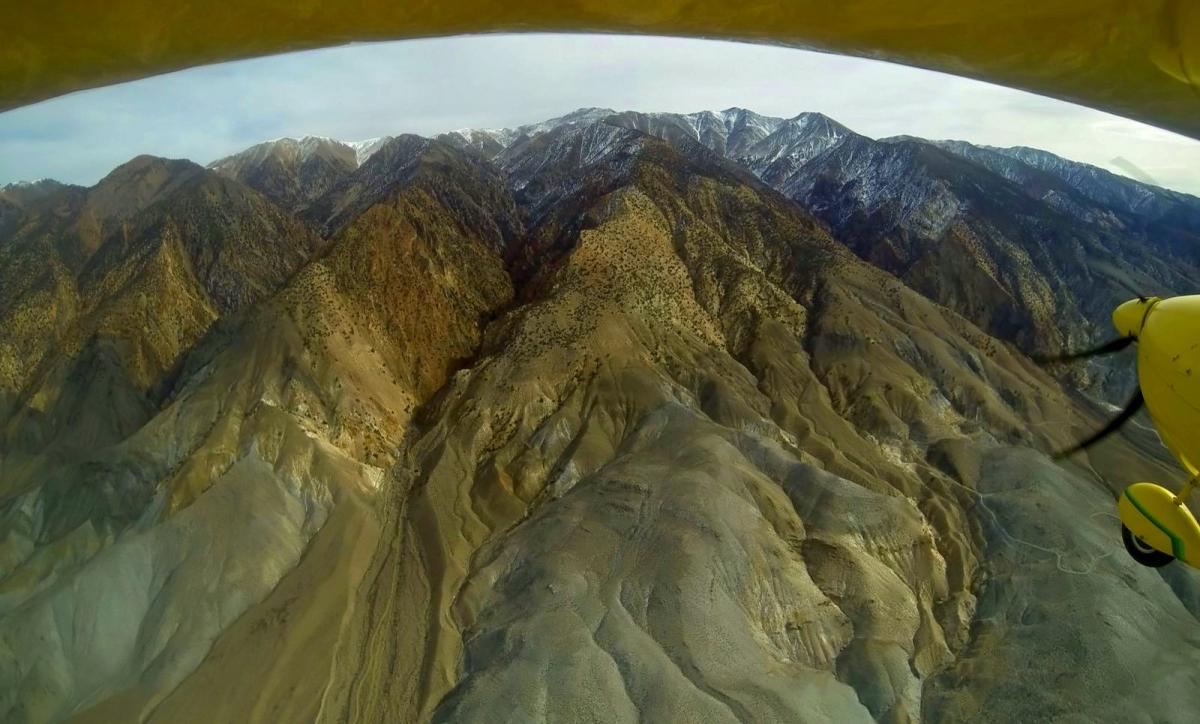
You mean like the one below?
To post it in that size, I first clicked on your smaller image and it was displayed in a pop-up dialog.
I then clicked on that dialog and my browser (Firefox in this case) opened the image full-scale in another tab.
I then went to that tab, copied the URL (which is
http://www.pilotsofamerica.com/forum/attachment.php?attachmentid=37574&d=1420947332 ) and pasted it into the dialog I got when I clicked on the "Insert Image"
icon.
Normally you should be able to get a URL to the full size image when you upload an image to PoA that you can then copy into the "Insert Image" URL entry dialog.
Oh - and to avoid such outrageously large images, use an image editor to scale it before uploading.
Since most displays are under 2048 pixels wide, that should be a reasonable upper limit on any one image.
Unless there is a good reason for needing the resolution, 1024 pixels is probably a better upper limit.
EDIT: The image was so large I decided to remove it.